Agent Readiness Checker for Websites
Enter a URL to see whether AI agents can find your site, read it and use it. We test AI bot access, discovery files such as Google ARD's ard.json, agent skills, WebMCP signals and form labels, and show the evidence for each result. LightSite then deploys the missing pieces on your existing CMS or CDN and tracks agent visits, tool calls and questions.
- Check readiness. Run this scan to see what agents can find, read and use today.
- Deploy tools securely. LightSite adds discovery files and four read-only WebMCP tools on your existing CMS or CDN, without a migration.
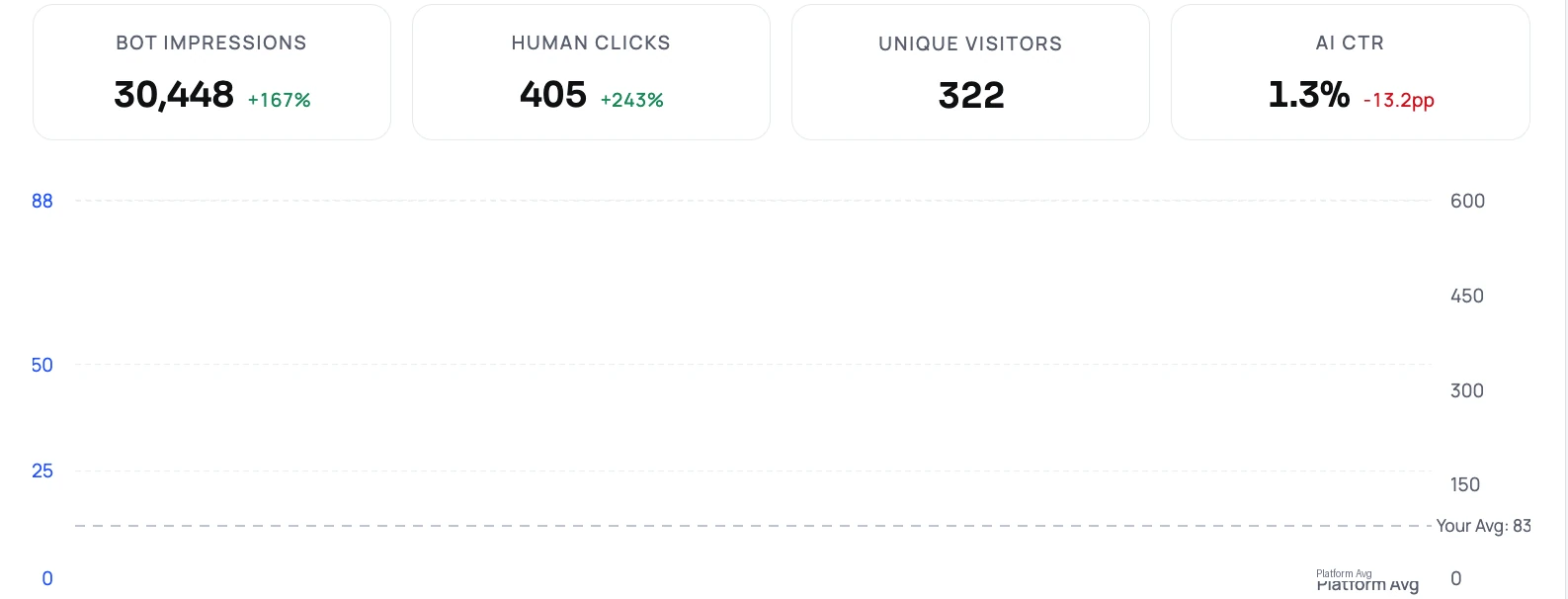
- Track what agents do. See agent visits, which tools they call, what they ask, whether they got an answer and what they did next.
What does the checker test?
It runs about 20 read-only checks in five groups, using GET requests only. Each one shows the exact URL we fetched, the status code and a short excerpt, so you can verify it yourself.
- Discoverability: robots.txt, XML sitemap, Link response headers and Google ARD's /.well-known/ard.json (the older ai-catalog.json path is accepted as a weaker fallback).
- Content for agents: llms.txt, Markdown returned on request (Accept: text/markdown) and JSON-LD types in the page.
- Bot access: the HTTP status your page returns to GPTBot, OAI-SearchBot, ChatGPT-User, ClaudeBot and PerplexityBot test profiles, compared with a normal browser, plus your robots.txt rules for each.
- Agent tools: WebMCP signals in the page code, agent skills (skills.json), MCP server card, API catalog (RFC 9727) and OAuth discovery.
- Task flows: whether form fields have labels an agent can read. Commerce protocols such as UCP are shown for information and never lower the score.
How is the score calculated?
Each check has fixed points and a result of pass, partial, fail, not tested or info. The score counts only the checks we could actually run, and the coverage line tells you how many were scored, for example 12 checks scored and 3 that need a browser.
The same site gives the same score on every run. Nothing is estimated by a language model, and this score is separate from the GEO Checker score.
How the WebMCP check works today
WebMCP tools are registered by the page at runtime, through navigator.modelContext or declarative form attributes. A plain HTTP fetch cannot see tools that JavaScript adds later.
So this version reports what it can prove. Declarative form tools, inline modelContext code and the LightSite WebMCP script count as passive indicators: a partial result, labelled as not yet verified. If none appear in the HTML, WebMCP shows as Not tested rather than failed. Listing registered tools in a real browser, validating their schemas and making safe read-only calls is the next step, and until it ships that check always says Not tested.
How is this different from Cloudflare's isitagentready?
Cloudflare's checker scans discoverability, content, bot access and capabilities such as Agent Skills, API Catalog, OAuth discovery, MCP server cards and WebMCP, and it gives prompts you can hand to a coding agent. Chrome's Lighthouse Agentic Browsing category audits accessibility, layout stability and WebMCP registration as an informational pass ratio.
Both tell you what is missing. LightSite also fixes it: we deploy the discovery files and four read-only WebMCP tools on your current stack, then measure which agents visit, what they ask your tools and what they do next.
How do I fix the gaps?
Every failed check is marked either LightSite fixes this or Server or platform setting. LightSite covers the AI sitemap, ard.json, skills.json, llms.txt, JSON-LD, robots rules for AI bots and the WebMCP tools. Markdown responses, firewall rules, OAuth, MCP server cards and form labels are settings your team or CDN controls, and the result tells you what to change.
Frequently asked questions
Is the agent readiness check free?
Yes. Enter a URL and get results in about 15 seconds, with no signup. We do not store the scan.
Does the check change my website?
No. It only sends read-only GET requests to your public pages and well-known files.
Does LightSite work with my website platform?
LightSite installs through a WordPress plugin, Shopify redirects, Netlify or Nginx rules, a Cloudflare Worker or a script on custom sites. Platforms that lock robots.txt or /.well-known paths support the script install only.
Related
Sources
- Cloudflare: Introducing the Agent Readiness checker
- Chrome: Lighthouse Agentic Browsing scoring
- Google: Agentic Resource Discovery specification
- W3C WebMCP draft
Last updated 2026-11-06