Make WordPress work for AI. Keep marketing in control.
Turn your existing WordPress site into a clearer source for AI and agents, see how they use your public content, and turn the evidence into approved marketing fixes. LightSite brings the maintained AI layer, measurement and execution together without a theme rebuild or CMS migration.
Ready without a rebuild
Give ChatGPT, Claude and other assistants a clearer public source while keeping your existing site and customer experience.
Measure what actually happens
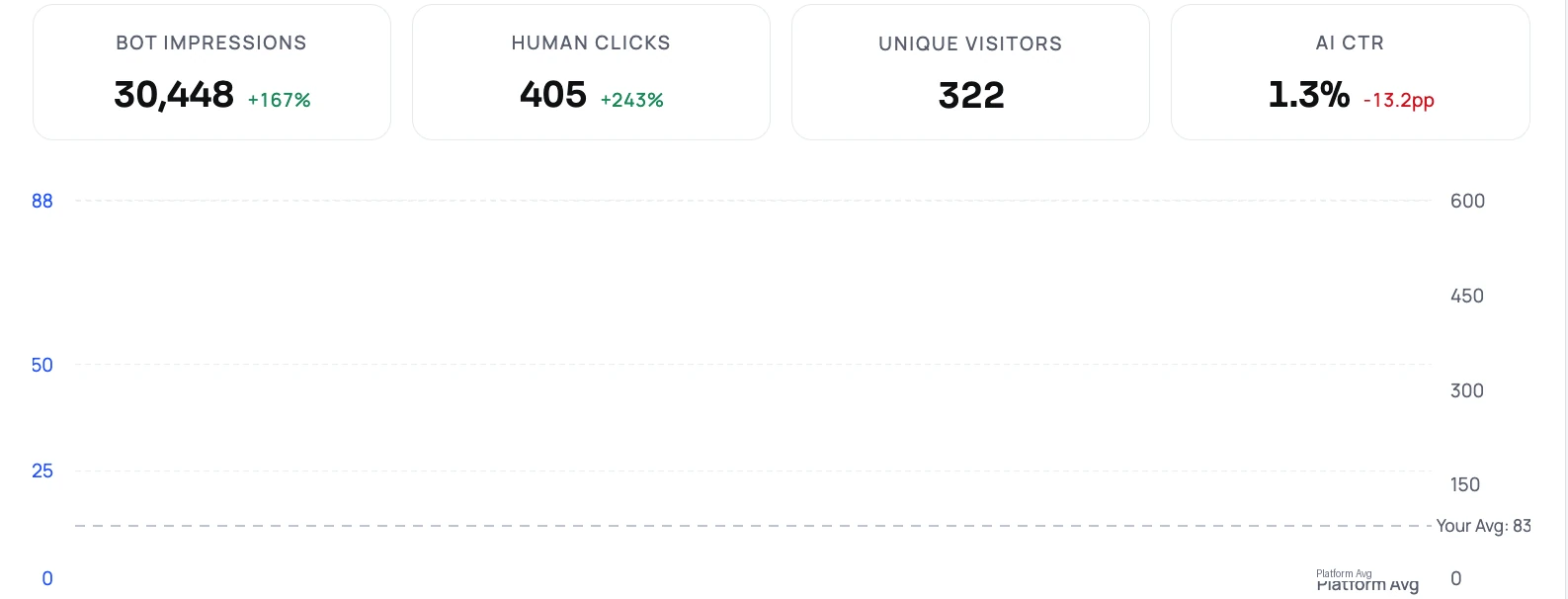
Understand recorded page reads, endpoint requests and AI referrals on your connected surfaces, alongside sampled mentions.
Turn evidence into approved work
Choose the opportunities that matter. LightSite prepares GEO improvements, and you control what gets approved.
Your content team stays in WordPress
Keep publishing with the theme, plugins and editorial workflow you already use. LightSite adds hosted business facts and discovery endpoints alongside it. Eligible public requests from recognized AI bot user agents can receive the synced readable page; ordinary visitors keep the existing WordPress experience.
A practical route for content-heavy teams
- Find the pricing, service and comparison pages that recorded AI requests reach.
- Use those reads to prioritize missing explanations and outdated facts.
- Maintain one AI layer rather than coordinating a new plugin project for each discovery file.
Your website changes. Your AI package keeps up.
LightSite automatically synchronizes your public sitemap and centrally maintains the hosted facts and discovery files. Marketing can keep business information current and approve improvements from one place.
The supported direct setup can take minutes once the required account access is ready. Hosted files stay maintained by LightSite after connection.
Useful formats, maintained together
Your package brings together an AI sitemap, structured facts, OpenAPI descriptions and Skills API discovery. Add optional read-only WebMCP site tools for browser requests and a separate MCP connection for working with LightSite data in connected apps.
One connection. Three steps forward.
- Connect your existing site. Add your domain and sitemap in LightSite. Use the generated WordPress plugin code for your site.
- Activate public AI delivery. Your site owner installs the code, saves permalinks and sets bot-only cache exclusions where needed.
- Let evidence set the priorities. Review recorded content use and referrals, then approve the marketing improvements you want LightSite to execute.
Customer evidence: Liffner
65 → 1,004
Monthly AI-referred visits · February–September 2026
Liffner’s recorded visits from AI assistants grew from 65 to 1,004 per month. LightSite connected intelligence, measurement and SEO/AEO execution in one workflow.
Recorded customer results, not a forecast for your website.
One platform. Choose the plan that fits.
Bring AI readiness, measurement and approval-controlled execution together. Choose the LightSite plan with the capabilities and support your business needs.
Questions before you connect?
Will I need to rebuild my website?
No. Keep your WordPress theme and publishing workflow; the initial connection adds a maintained layer alongside your site.
Who handles the cache setup?
Your site administrator or host sets the required exclusions. LightSite centralizes the hosted layer after connection, but cannot bypass a cache that answers before WordPress runs.
Is this the WordPress MCP Adapter?
No. The Adapter connects registered WordPress abilities to authorized MCP clients; LightSite focuses on public AI access, measurement and approved marketing action.
What does our WordPress site owner set up?
WordPress coverage is partial: only requests reaching WordPress can be routed and measured. WP Rocket, host caches and CDNs need appropriate bot-only exclusions before PHP; a whole-site Cloudflare Worker is another supported route. Install the plugin code generated in LightSite. WordPress Abilities API and its MCP Adapter expose registered, permissioned site capabilities to connected clients. They complement, rather than replace, public buyer-agent discovery.
Who maintains the connection after setup?
LightSite automatically synchronizes your public sitemap and maintains hosted files centrally. Supported dynamic integrations retrieve updated bot configuration; your site owner manages initial account, DNS and cache access and reviews changes to fixed origin rules.
Related
- All integrations
- AI and agent ready websites
- Measure AI agent journeys
- Read-only WebMCP tools
- MCP connection
- Discovery API formats
- Technical documentation
Sources
Last updated 2026-11-07